 florame.ai
Your flowers. Your way.
Your bouquet, flower by flower.
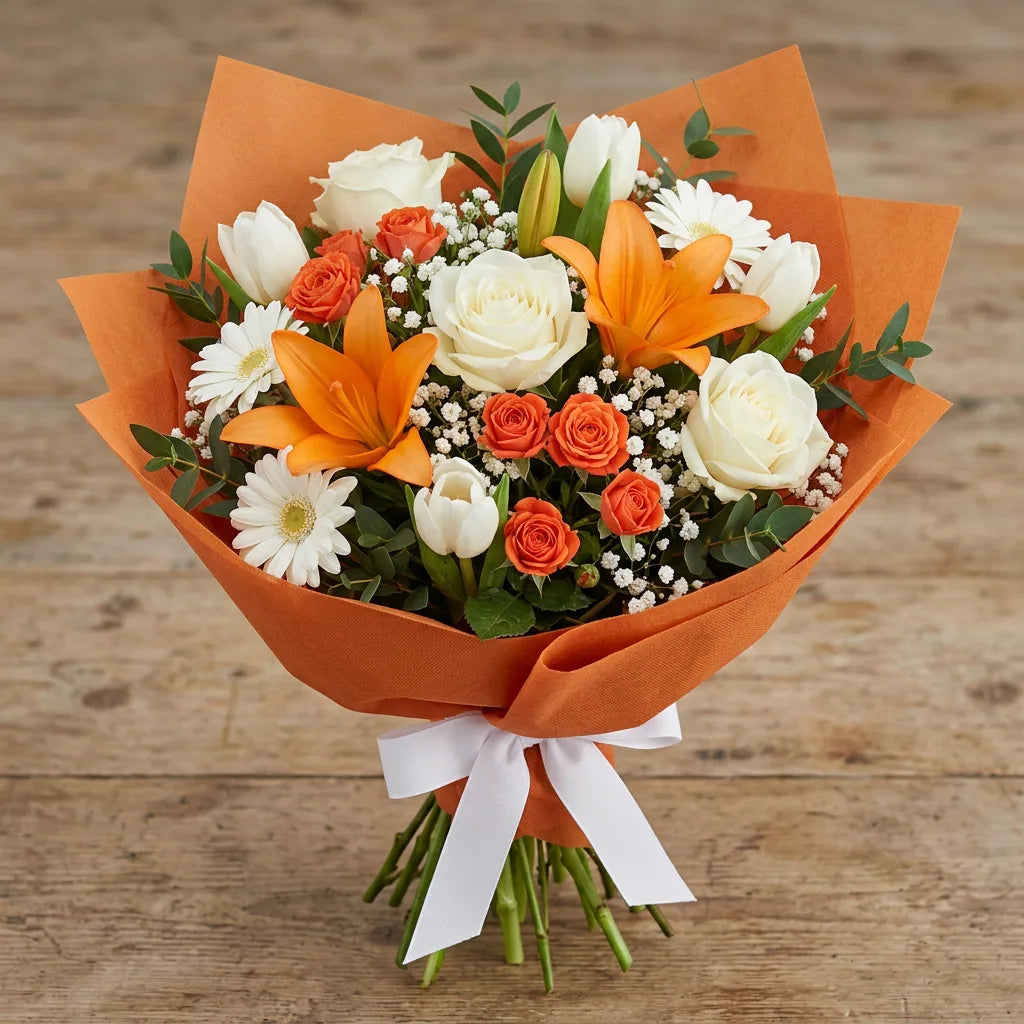
Choose flowers, colours and quantities. Pick the wrapping and use the AI preview to shape your idea before sending it to a florist.
Create your bouquetThe AI preview is a visual reference. Availability and preparation are confirmed by the florist.
Compose
Choose varieties, colours and stem counts.
Visualise
Generate the preview and refine your idea.
Request
Check where and when, then send your request.
Everything you need to know
Your questions, answered.
How do I use the florame.ai configurator?
Open Create, select the flowers and set the colour and quantity of each variety. Choose the wrapping and offered options. Review the ingredient list, generate a preview and edit the composition until it reflects your idea. Then check delivery or pickup and proceed from the summary to checkout.
Can I choose the exact number of each flower?
Yes. For example, you can compose a bouquet with 7 red roses, 5 yellow tulips and 3 white lilies: select each variety, colour and stem count. The ingredient list lets you check the recipe. Preparation depends on availability and florist confirmation.
What is included in the ingredient list?
It summarises the selected flowers, colours and quantities. Check it alongside wrapping, extra options and price before submitting a request. The AI image accompanies the recipe; it does not replace it.
Can I edit the bouquet after seeing the preview?
Yes. Before sending the request, return to the composition, change flowers, quantities, colours or wrapping and generate a new preview. Check the updated ingredients and price. After submission, agree changes with the florist through Messages.
Is the AI image a photograph of the bouquet I will receive?
No. It is a reference for composition, colours and style. Natural flowers, bud opening and wrapping can vary. When available, a photo of the prepared bouquet lets you see the actual arrangement before dispatch.
Can I choose a ready-made bouquet instead?
You can choose a bouquet from the florist’s catalogue or create a custom composition in Create. Editing options and available flowers depend on the chosen route and florist.
What if some flowers are unavailable?
For today and tomorrow, the florist’s confirmed stock determines availability. For later dates, you can also request flowers that need sourcing. The request remains subject to acceptance: any changes must be agreed, not inferred from the AI preview.
Learn moreHow do I purchase my configured bouquet?
Check the composition, wrapping and price. Set delivery address or pickup, day and time window; choose available options and review the checkout total. After submitting, follow the florist’s reply in Messages.
Learn more